Your Forever beta stats are here: what kind of adventurer were you?
Blizzard’s Beta Timewalking turns your test journey into a personal recap. Find your stats, make a four-stat card and understand the Stress Test exclusion.

How often did you jump on the way to your next quest? Which class quietly took over your evenings? With the Forever beta over, Blizzard’s Beta Timewalking service offers another way to remember the journey: a personal collection of statistics and a card you can build from them.
Visit timewalking.blizzard.com to find the service. It is a small reason to revisit your beta adventures before the next step, character name reservation.
Find your own beta story
Open Blizzard’s page and choose Log in and Timewalk, using the Battle.net account you played the beta on. Generating the recap requires consent to the data use described on the page. The notice covers account, gameplay and transaction data. Read it before continuing; you can decline, but the service cannot generate your statistics without that consent.
There is one useful boundary to know immediately. Blizzard’s What is this? explanation says the data comes from the regular Forever beta and does not include the Stress Test. If that was your only session, do not expect its evening of play to appear here. Blizzard also acknowledges that the figures may not be perfectly accurate.
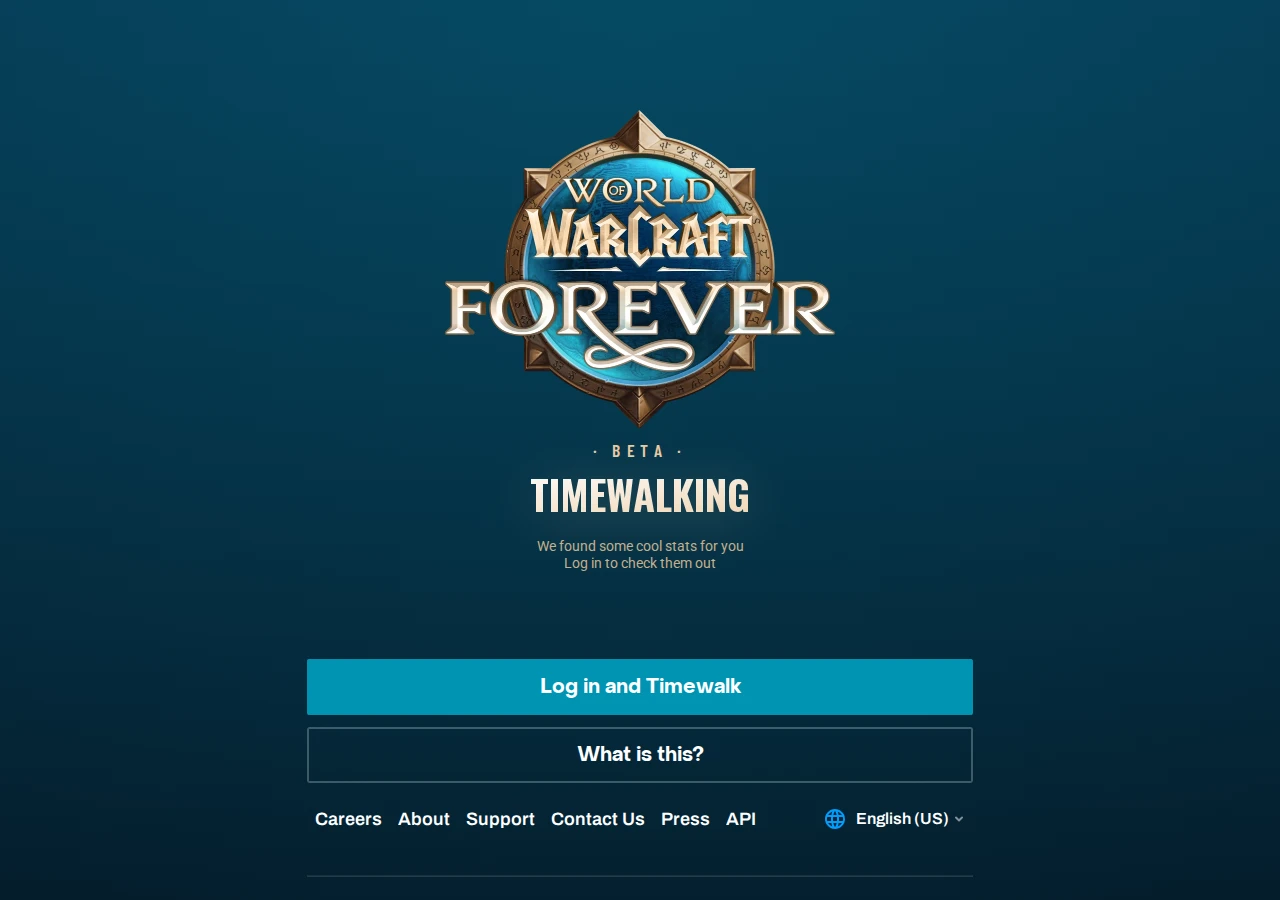
From hours played to campfire companions
The available categories include familiar measures such as playtime, characters played, quests completed and levels gained. They sit alongside more personal souvenirs: jumps, gathering actions, crafted items and camping companions. A Nemesis statistic also looks back at enemies responsible for your deaths.
These figures need not become a report card. Quest totals describe one way to spend an evening; fishing describes another. Which statistics are available depends on the account’s data, so every player may not see the same selection.
Some numbers come with a percentile. Roughly speaking, an 80th percentile places a value around the 80 percent point in its comparison group; it does not mean “top 80 percent.” A percentile alone does not reveal the group’s size or an exact worldwide ranking.
Make a four-stat keepsake
The recap’s card builder lets you choose up to four statistics and rearrange them. You can show or hide your BattleTag. Save Image saves the result, while browsers that support the sharing feature may also offer Share.
Our suggestion is to pair one large number with something unexpected. Hours played describe the length of a journey, but a campfire companion or a persistent enemy might bring back the particular evening your friends still mention. Check the finished image to make sure the BattleTag appears the way you want.
Next, a name for the adventure ahead
Blizzard confirmed the beta’s closure in its October 23 thank-you message. Character creation for name reservation opens on October 27.
You can use the recap to refine your own plans. Did you keep returning to one class, or leave an experiment unfinished? Write down one part of the beta you would like to enjoy again. Our weekly checklist covers name-reservation timing and eligibility.
Sources and further reading
Public page, explanations and statistic categories checked October 26, 2026. Personal statistics and authenticated functionality were not tested. Practical suggestions are editorial. Images © Blizzard Entertainment.

Forever · Getting started · 1.11.2026
Starting Forever: what do Classic and Enhanced change?
Blizzard explains Forever’s first-login choices. Here is how presets, character models and rulesets differ before launch night.

Forever · Name reservations · 28.10.2026
Forever name reservations: Blizzard fixes an overly strict filter
A name rejected when it should qualify? Blizzard announces a name-filter fix and a separate character-creation order warning for Oceanic players.

Forever · Racial abilities · 27.10.2026
Forever racial changes arrive just before name reservations
Faster Tauren running, the return of Orc pet damage and location-based Skyborne bonuses. What the October 26 changes mean before name reservations.